
WALLPAPER FOR MAC
One wallpaper.
Across your monitors.
Turn your portrait, landscape or stacked Mac displays into one continuous scene. Choose your wallpaper and frame it for your desk.
7-day free trial · No credit card required
macOS 14 or later · Apple silicon and Intel
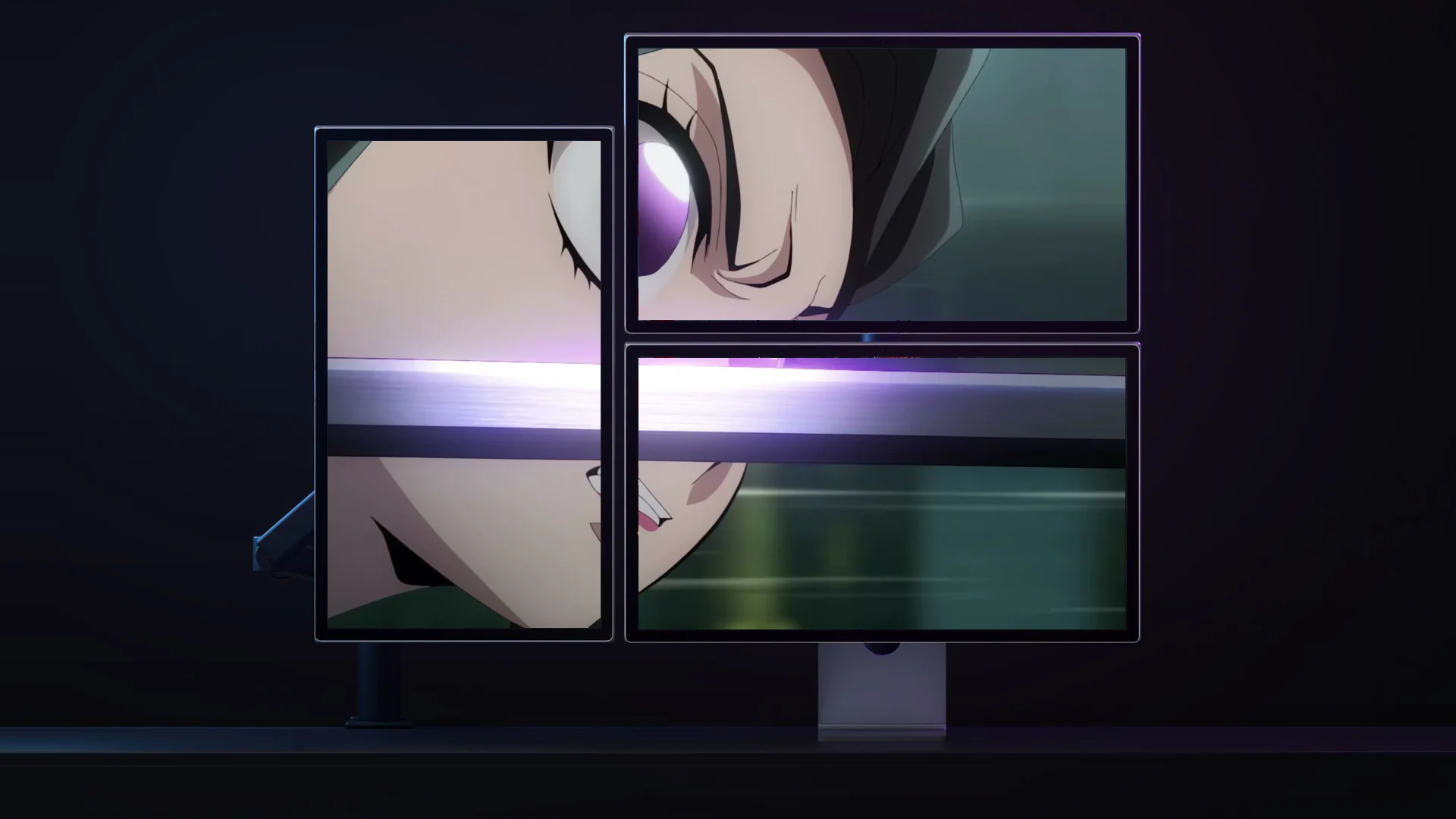
Give every screen its part of the picture.
A portrait display beside a landscape monitor can share one wallpaper. SpanCanvas maps a single scene across your Mac’s display arrangement, including the space between screens.
Use your own image or local video, or choose a live wallpaper in Explore. Adjust the position and zoom until the part you want sits where you want it.
Frame it for the desk you have.
Match the canvas to your physical monitor positions in Display Setup. Calibrate the display sizes and gaps so the visible edges of your scene line up.
Different screen proportions can crop parts of the source. Preview the combined scene and move or zoom it to keep the important details in view.
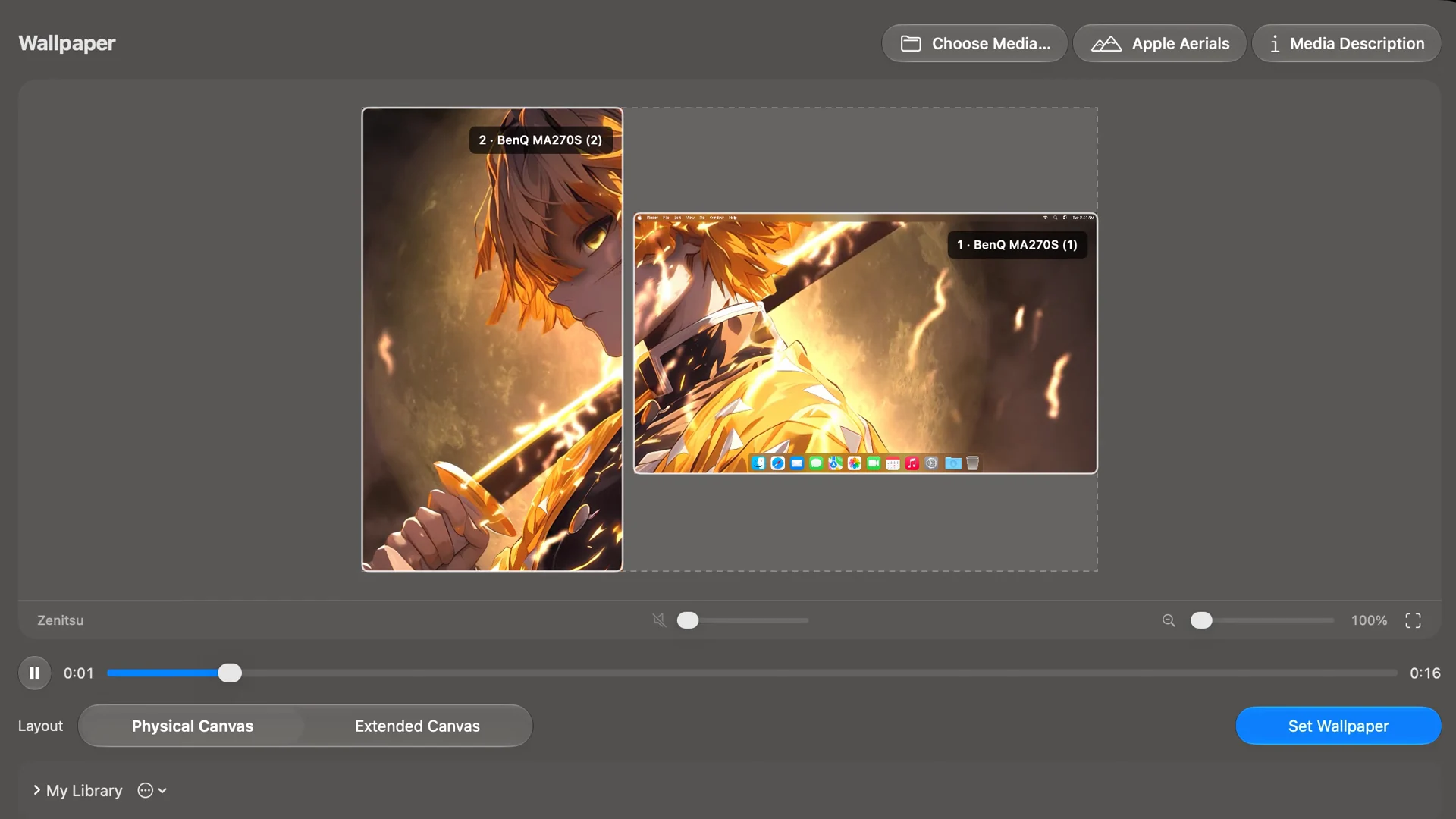
Recorded app controls. Your preview and framing depend on your media and display layout.
Set up your first spanning wallpaper.
- Install SpanCanvas Pro. Open the Mac download, drag the app to Applications and sign in.
- Arrange your displays. Open Quick Start and match Display Setup to the screens on your desk.
- Choose and frame your scene. Open Wallpaper, select your media, adjust zoom and position, then choose Set Wallpaper.
Before you set your scene.
Can I mix portrait and landscape monitors?
Yes. Arrange and calibrate them in Display Setup, then frame one scene across the combined canvas. Your Mac determines how many external displays it can drive.
Can I use my own wallpaper or video?
Yes. Import your own image or local video. A JPEG or PNG image, or an unprotected MP4 or MOV video, is a straightforward place to start.
What happens in the gaps between monitors?
The gap hides part of the same scene. Calibrating its physical size keeps the picture aligned at the visible screen edges.
Can I span a video from Chrome too?
Stream casts supported Chrome video across your displays. See how Chrome video spanning works →
Make your displays one canvas.
Download SpanCanvas Pro and start with your own setup. Your seven-day trial begins with your first successful app activation.
7-day free trial · No credit card required