
CHROME VIDEO ON MAC
One Chrome video.
Across your displays.
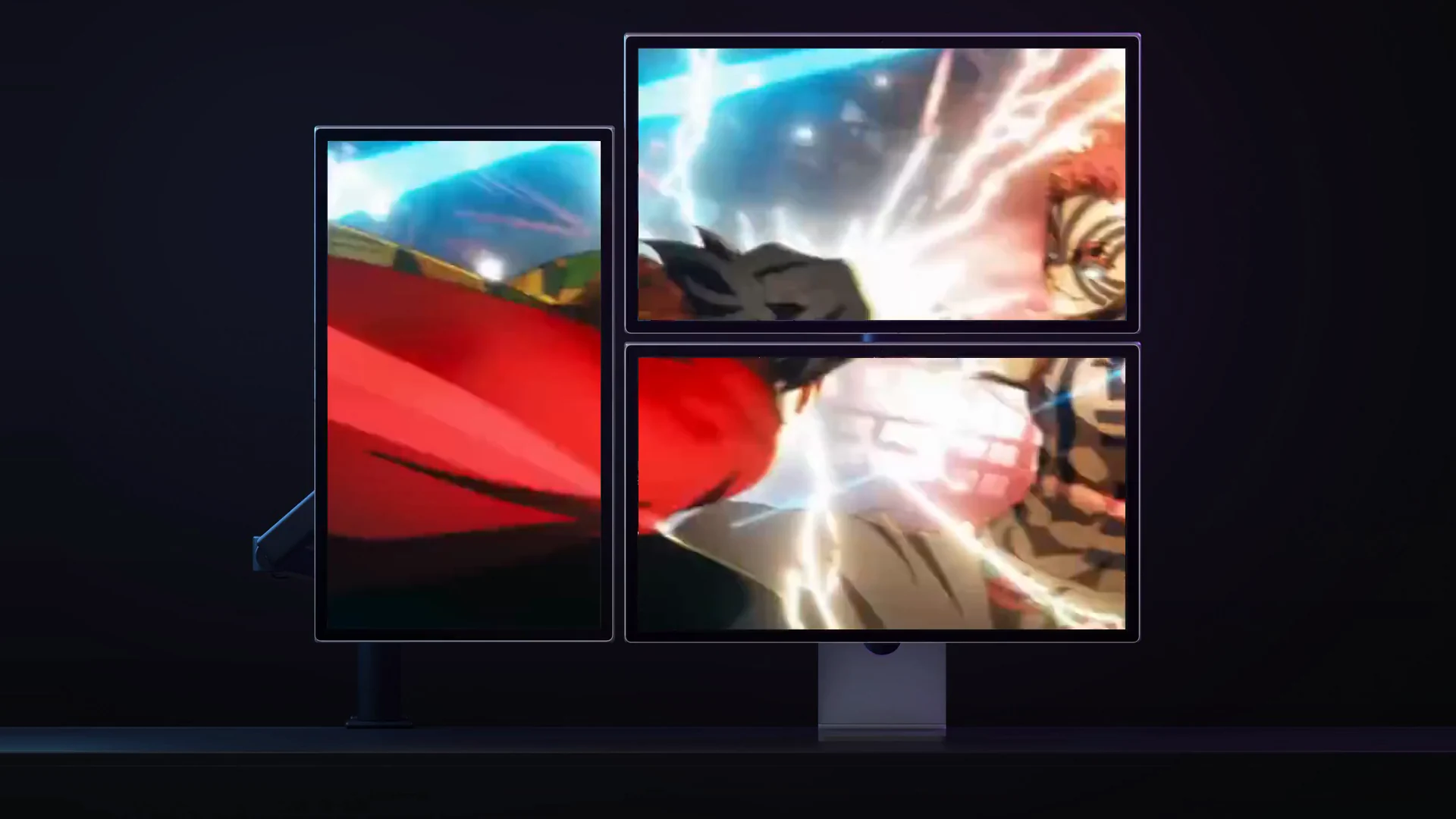
Watch a supported Chrome video as one picture across your Mac monitors, with a canvas that follows your setup.
7-day free trial · No credit card required
Chrome casting requires the Mac app and the SpanCanvas Chrome companion. The Prime Video preview requires Mac app 0.1.28 or later, companion 0.1.4 and an eligible Prime Video subscription. See Prime preview requirements.
macOS 14 or later · Apple silicon and Intel
7 days free · No credit card · No automatic charge
Give your browser video more room.
Play a YouTube video in Chrome, then use the SpanCanvas companion to show one picture across your Mac monitors. Choose the canvas layout that fits your display arrangement.
The Mac app and Chrome companion work together. Keep playback controls and sound in Chrome while SpanCanvas handles the spanning view.
Choose how the picture spans.
Physical Canvas follows your calibrated display arrangement, including different orientations and the gaps between screens. Extended Canvas gives you a wide playback canvas.
A continuous scene can extend beyond the visible screen area. How much you see depends on your canvas shape, source video and framing.
Cast your first Chrome video.
- Install and open SpanCanvas Pro. Arrange your monitors in Display Setup.
- Connect Chrome. Install the SpanCanvas Chrome companion. Open Streaming in the Mac app and choose Set up Chrome connection… if needed.
- Play and cast. Start a YouTube video, open the companion, choose Physical Canvas or Extended Canvas, then select Cast Video.
Prime Video across two displays.
Our verified Prime preview joins one picture across a portrait and landscape display, with one audio track and subtitles. It requires Mac app 0.1.28 or later, Chrome companion 0.1.4 and an eligible Prime Video subscription.
The Prime Video preview is available now. Update the Mac app and install or update the companion from the Chrome Web Store.
The tested Prime setup uses two calibrated displays and an included title. Follow the original players’ fullscreen prompts. The landscape player supplies audio and subtitles. Read the Prime setup requirements →
Before you press play.
Which Chrome videos can I cast?
Start with YouTube. Selected HTML5 players also work; compatibility depends on the website, player and content protection. See the Prime preview requirements above for its separate release status.
Does spanning make the source video sharper?
Spanning gives the picture more display space. Source quality still depends on the video, provider, browser, connection and display setup. A higher cast output size does not add detail to a lower-resolution source.
Where does the audio play?
Audio stays in Chrome. In the tested Prime preview, only the landscape player supplies sound and subtitles.
Can I use a local video or wallpaper instead?
Yes. Use Video for your own local files, or span your wallpaper across your Mac monitors.
Make your displays one canvas.
Download SpanCanvas Pro and start with your own setup. Your seven-day trial begins with your first successful app activation.
7-day free trial · No credit card required